Why Your App Cards Are Stuck on CHECKING...
CPU bars work but LXC badges don't? It's almost always the Proxmox API token. Here's how to read agent logs and fix it.
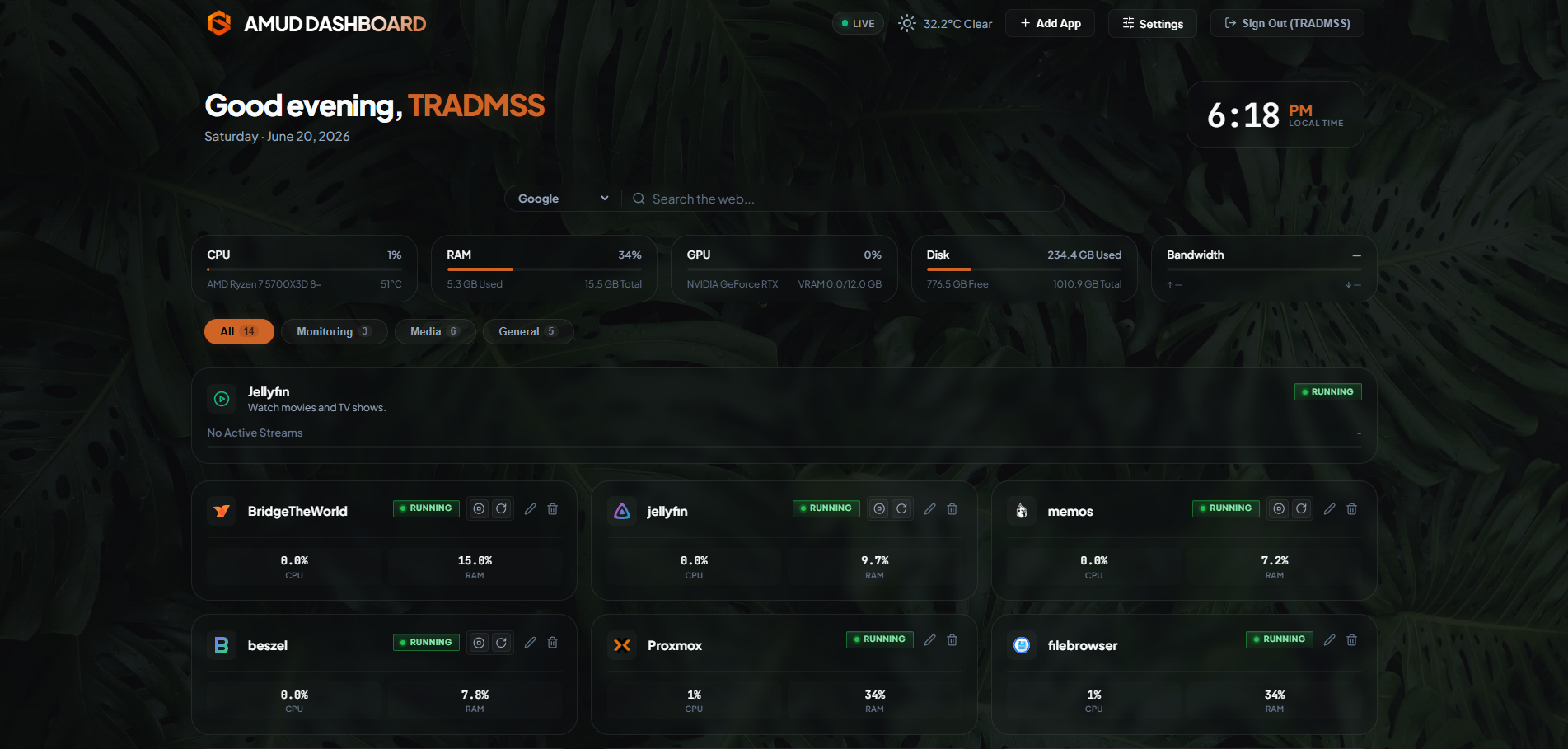
Top bar shows live CPU. App cards say CHECKING... forever.
Welcome to the most common AMUD Dashboard support question. Good news: it's usually one of like four things.
Read the agent logs first
journalctl -u amud-agent --no-pager -n 20
Look for [LXC] lines:
| Log | Meaning |
|---|---|
PVE_API_TOKEN not set | Token missing from systemd env |
Successfully fetched 0 containers | Privilege Separation still on |
HTTP 401 | Wrong token secret |
HTTP 500/595 | Bad node hostname in config |
Fix the token in systemd
nano /etc/systemd/system/amud-agent.service
Under [Service]:
Environment="PVE_API_TOKEN=PVEAPIToken=amud@pve!amud-token=YOUR-SECRET"
systemctl daemon-reload && systemctl restart amud-agent
Also paste the same token in the UI under Settings → Proxmox VE. Both places. Yes, redundant. Yes, necessary.
Privilege Separation
When creating the API token in Proxmox, uncheck Privilege Separation. I cannot stress this enough. Spent two hours on this once. Not proud.
CTID wrong
pct list
Make sure the app card ID matches reality.
Full troubleshooting bible: /docs/troubleshooting