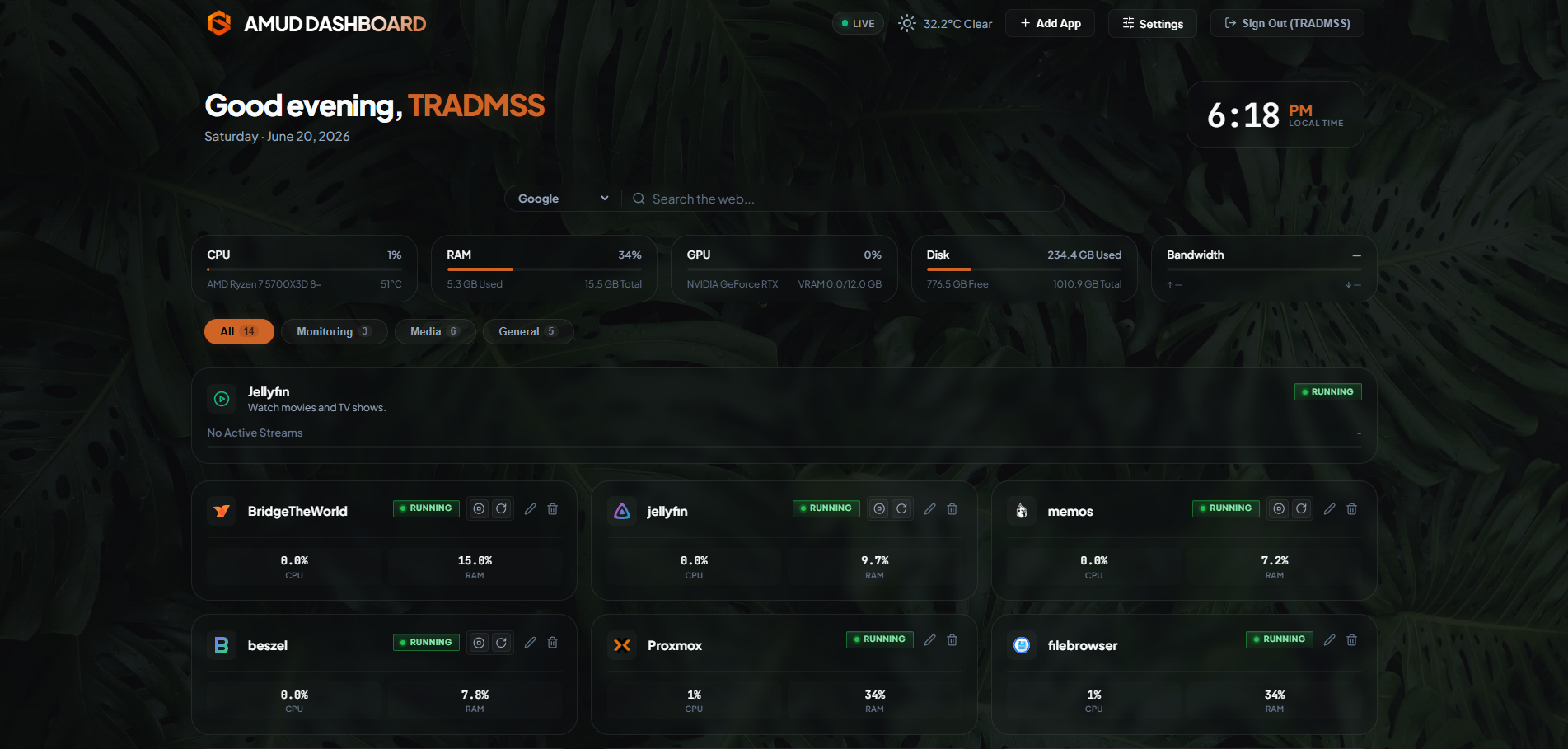
AMUD Default
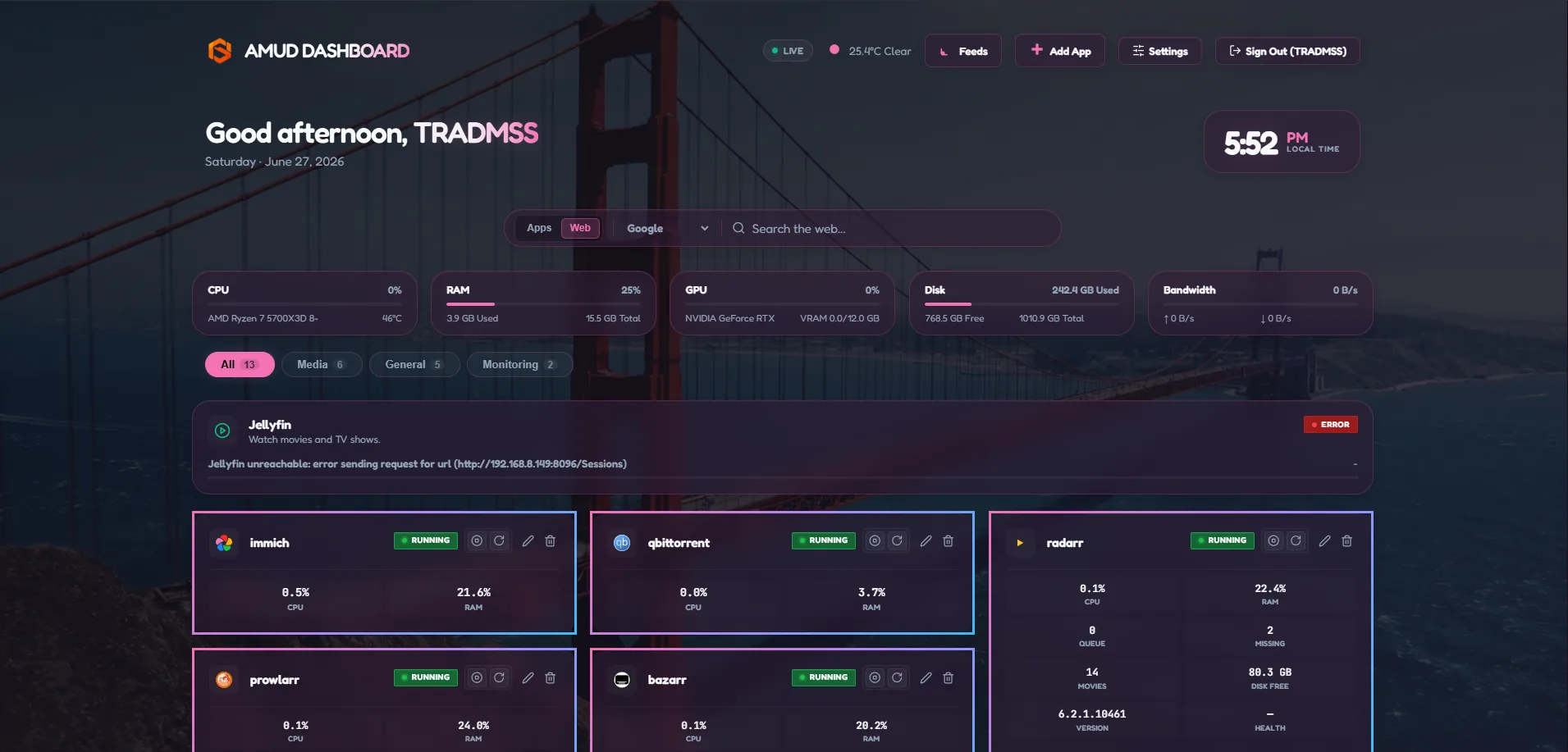
The built-in orange glass cockpit look. No custom CSS required — reset the Custom CSS field or leave it empty.
Each card shows a dashboard preview screenshot. Click a theme in Settings → Appearance → Theme Gallery on your dashboard for instant preview, or copy CSS from here for manual paste.
--accent-color from the pasted CSS.41 themes
The built-in orange glass cockpit look. No custom CSS required — reset the Custom CSS field or leave it empty.
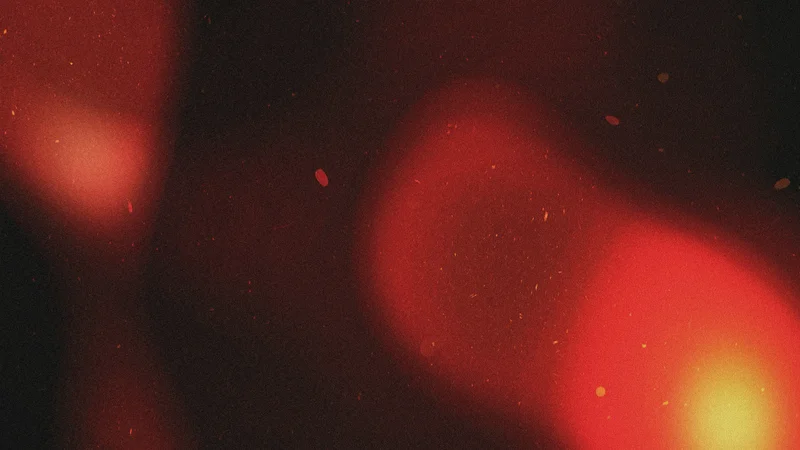
Vivid crimson light mode and deep obsidian cosmic dark mode with abstract light-flare wallpaper.
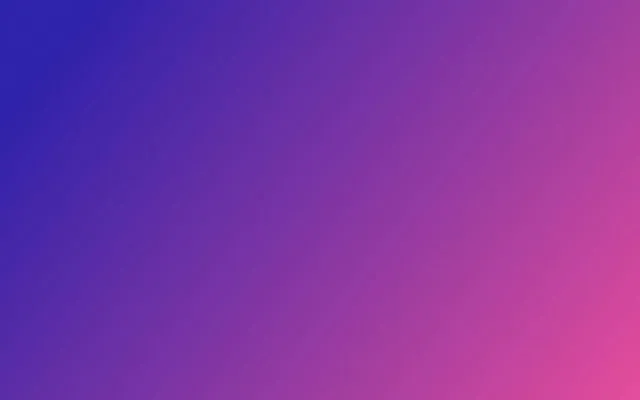
Classic dark purple hacker aesthetic with soft purple accents and high-contrast pastel text.
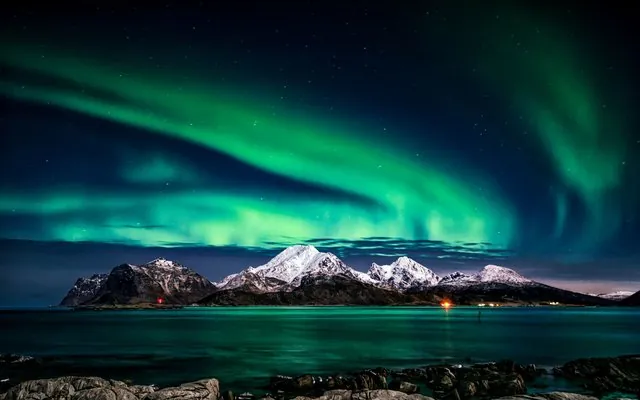
Clean Arctic blue palette — calm, professional, and easy on the eyes during long monitoring sessions.
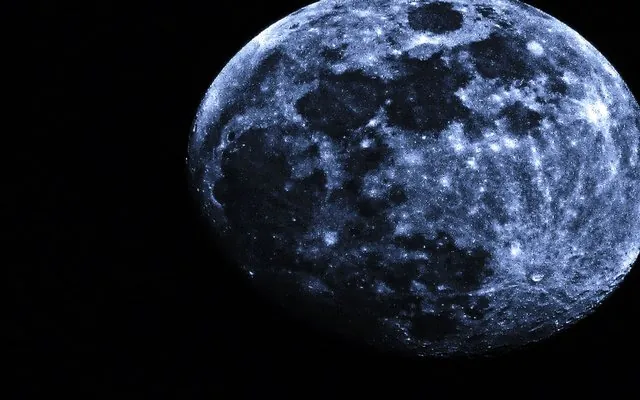
High-contrast neon pink and electric cyan on deep black with glowing card edges and scanline overlay.
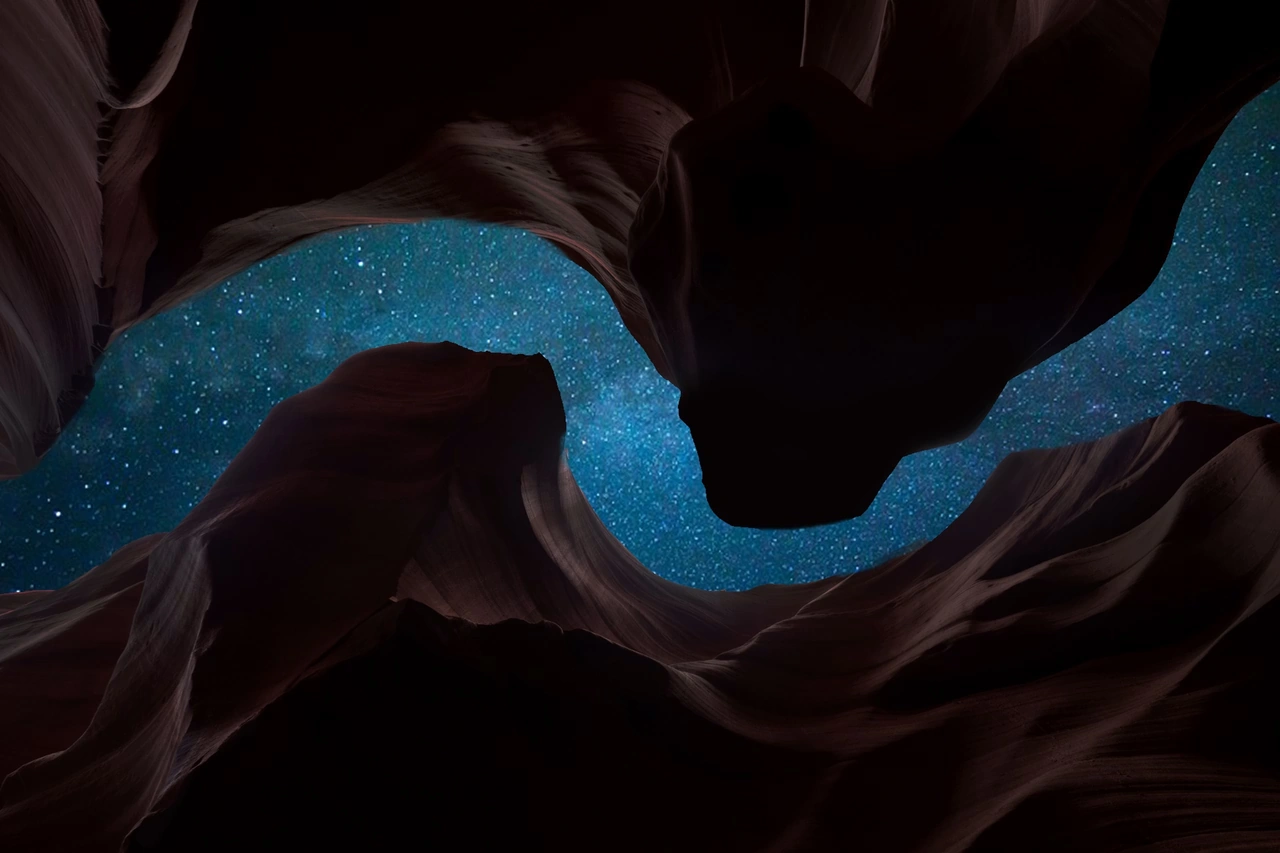
Soft pastel dark theme with lavender accents — popular among developers for its gentle contrast.
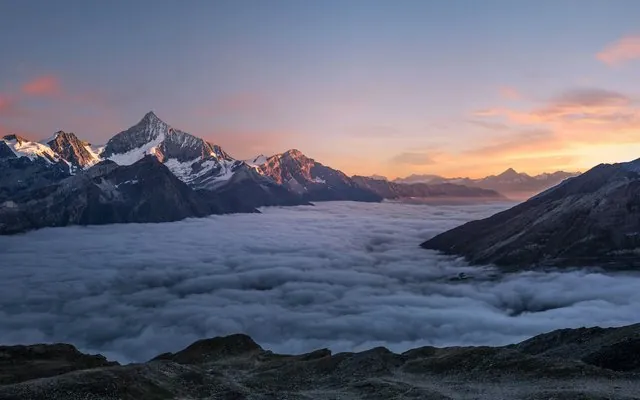
Warm retro terminal aesthetic with earthy browns and vibrant orange accents.
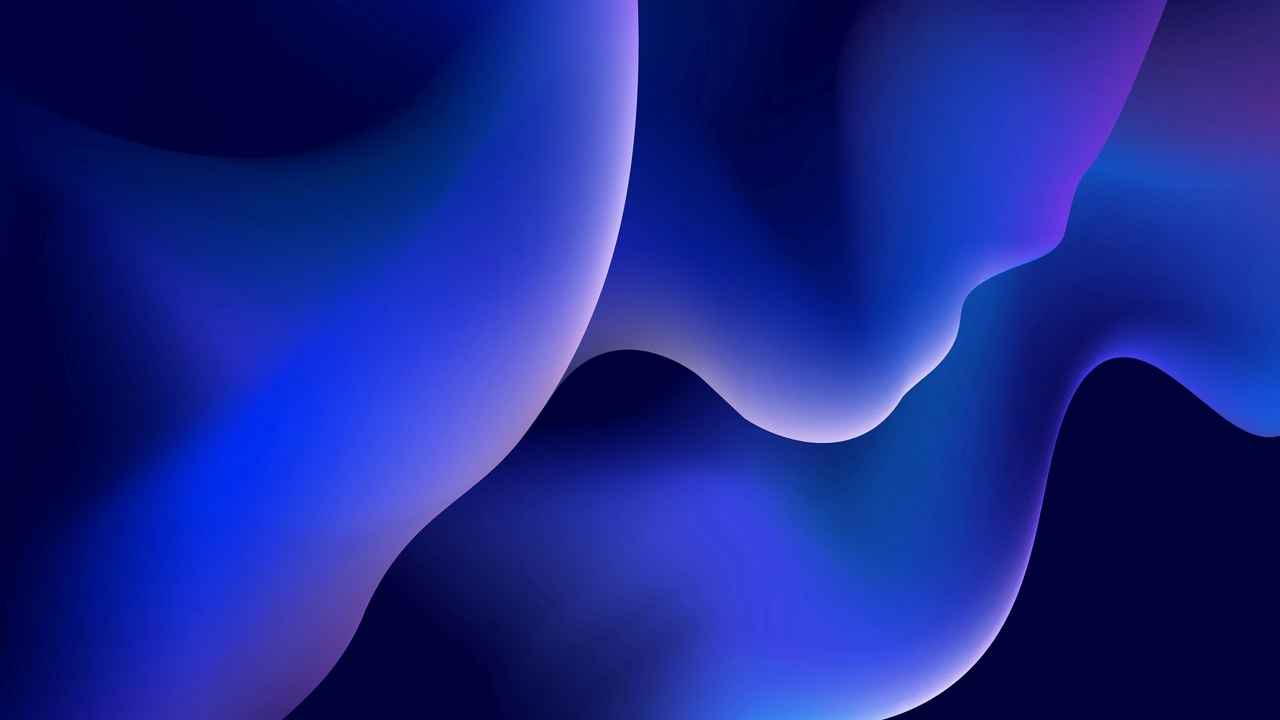
Deep blue city-night palette with crisp blue accents — a favorite for coding dashboards.
The classic Atom editor palette — balanced blue accents on neutral dark gray.
Calm muted greens and warm beige text — a forest-inspired palette for relaxed monitoring.
High-contrast developer classic — neon green accents with hot-pink header highlights.

Elegant muted rose and pine tones with soft lavender secondary text.
Scientific low-contrast dark theme with cyan-blue accents — easy on the eyes for long sessions.
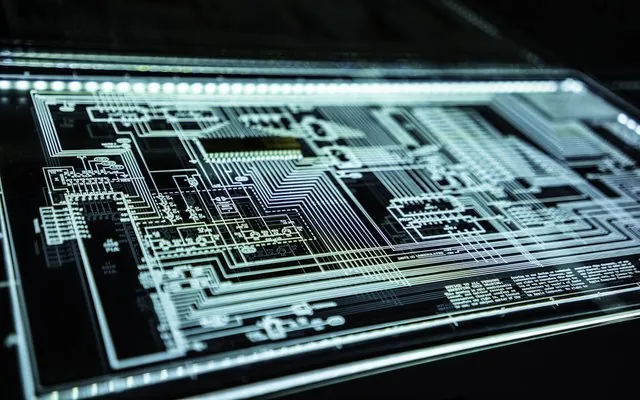
CRT mainframe aesthetic — monospace type, square panels, green phosphor glow, and animated scanlines. Zero glass blur.

Engineering blueprint look — cyan line art on deep navy, dashed technical borders, and grid paper background.
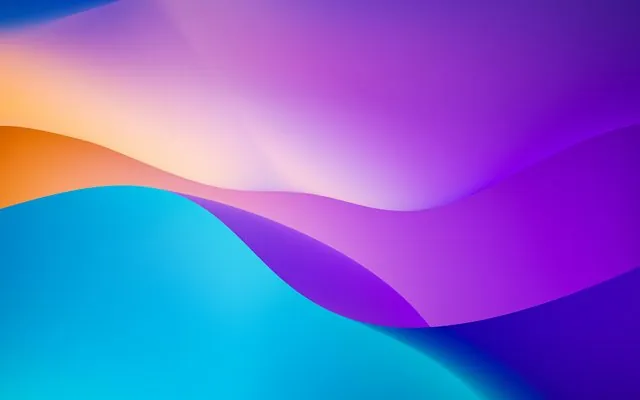
Obsidian black with brushed gold accents, serif dashboard title, thin gold rules, and soft vignette — premium NOC wall display.
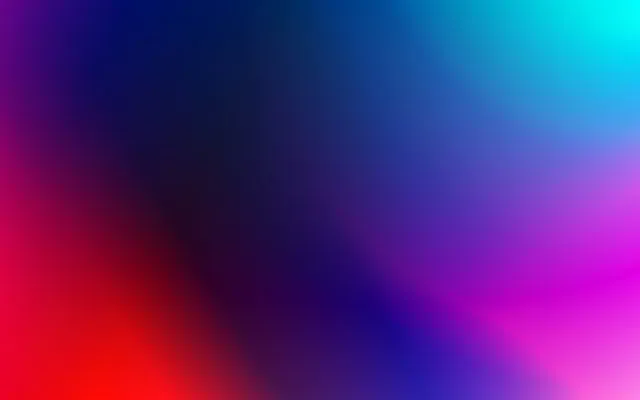
Animated iridescent card borders, deep space purple base, and shifting accent gradients — sci-fi control room.
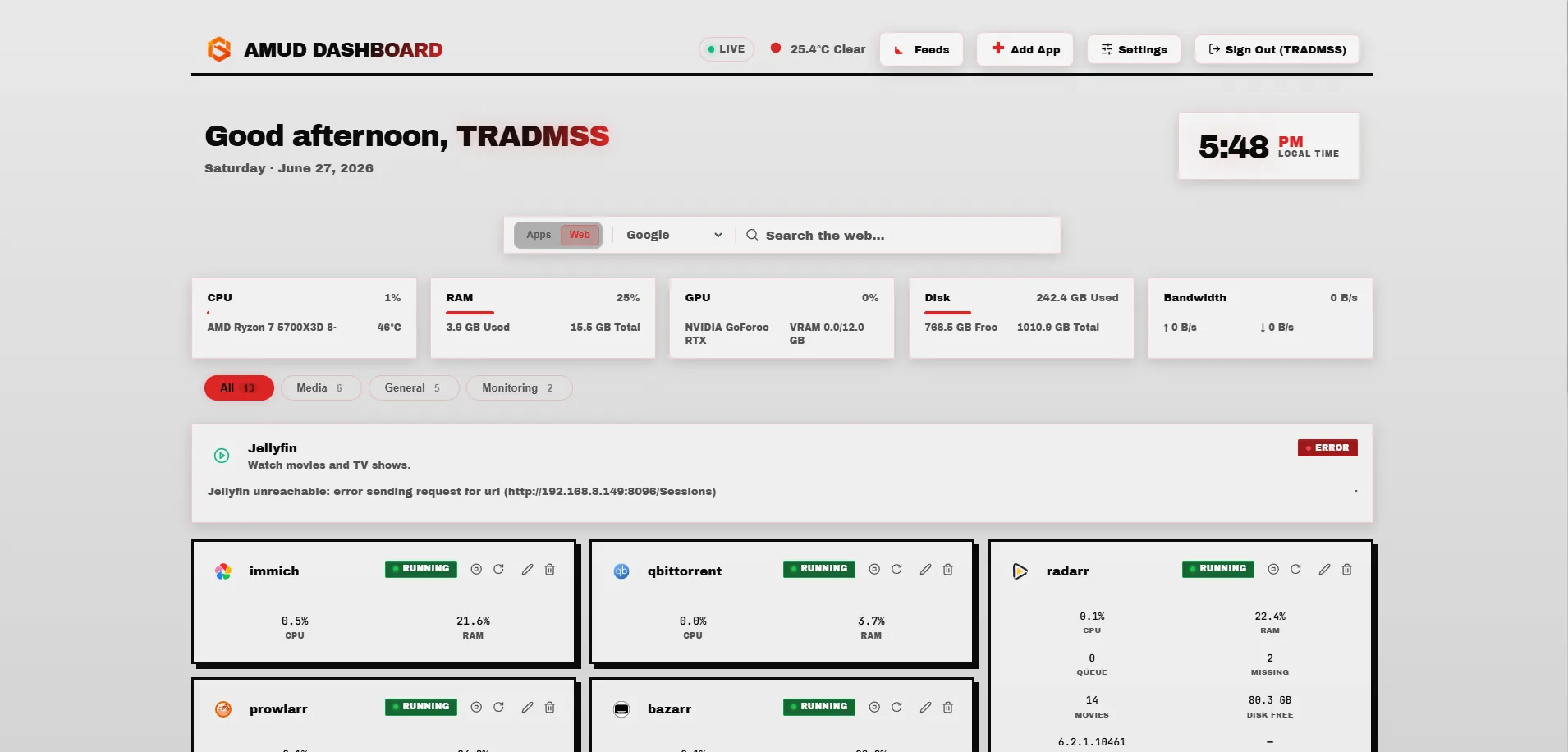
Raw concrete brutalism — hard black borders, no blur, uppercase headers, high-contrast monochrome with red alert accents.
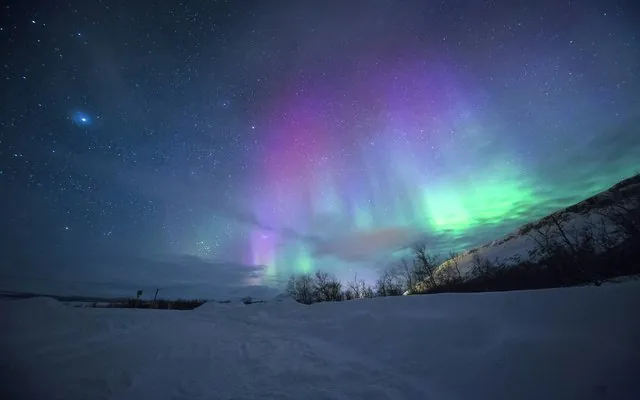
Teal and violet northern lights with cool glow accents.
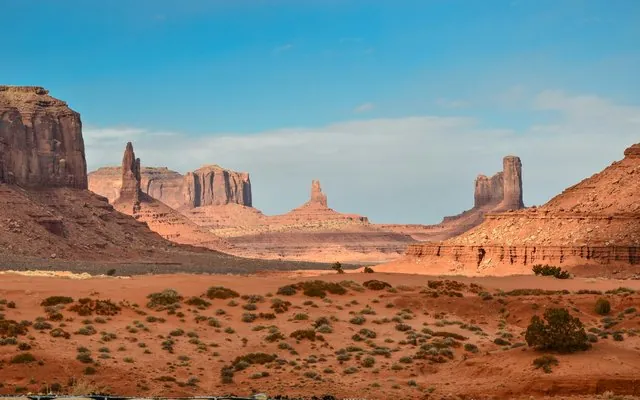
Warm sand tones and burnt orange sunset gradients.
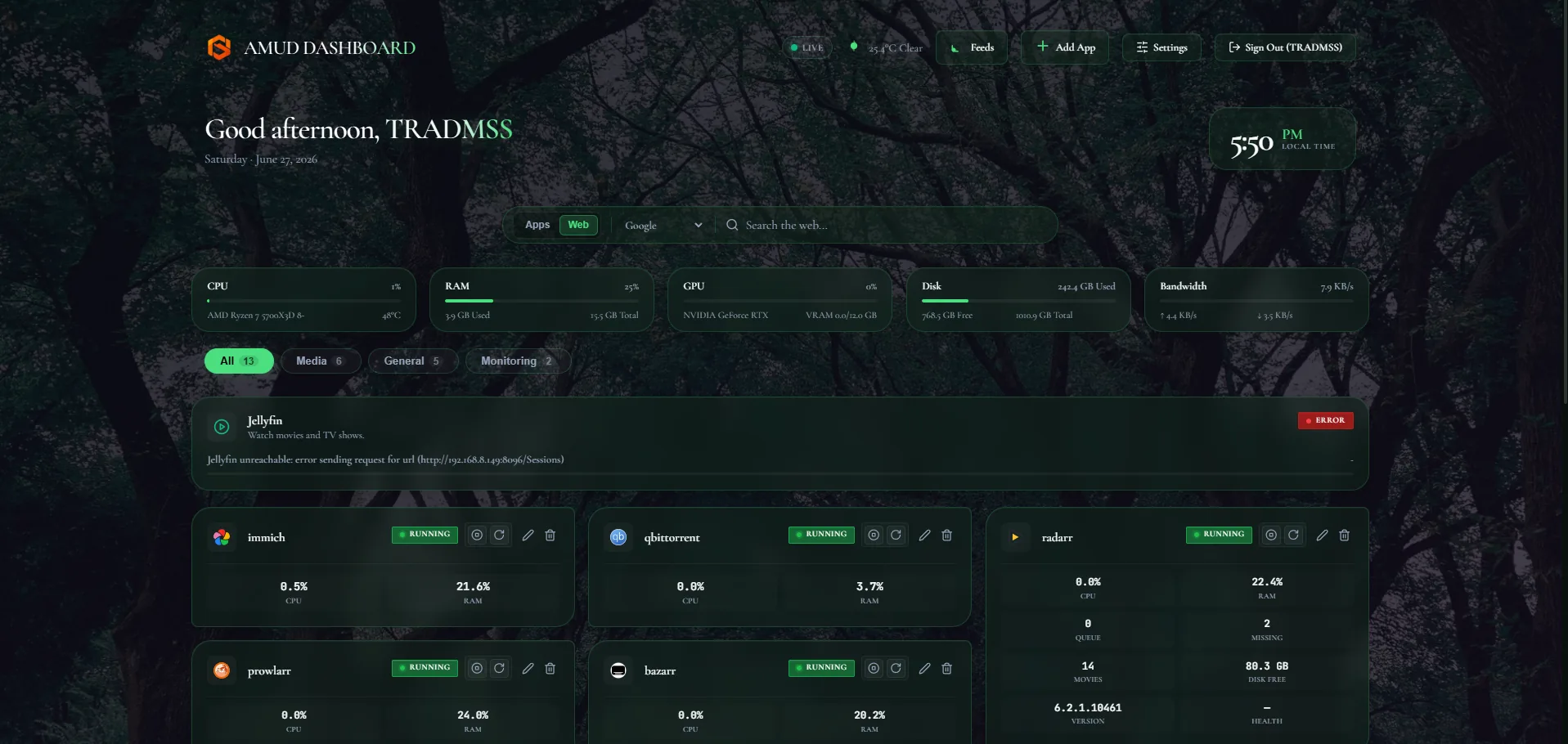
Moss green palette with humid fog atmosphere.

Charcoal base with molten red-orange ember accents.
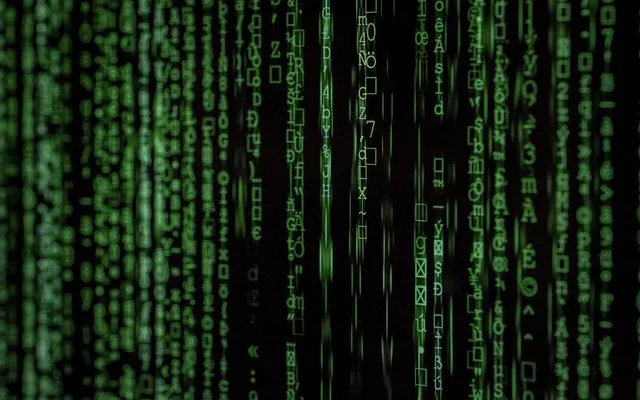
Green-on-black matrix rain terminal aesthetic.
Soft pink cherry blossom pastel glass panels.
Purple-lavender pastel glass with gentle glow.
Rose and gold accents on warm blush backgrounds.
Blue-pink gradient pastel candy tones.
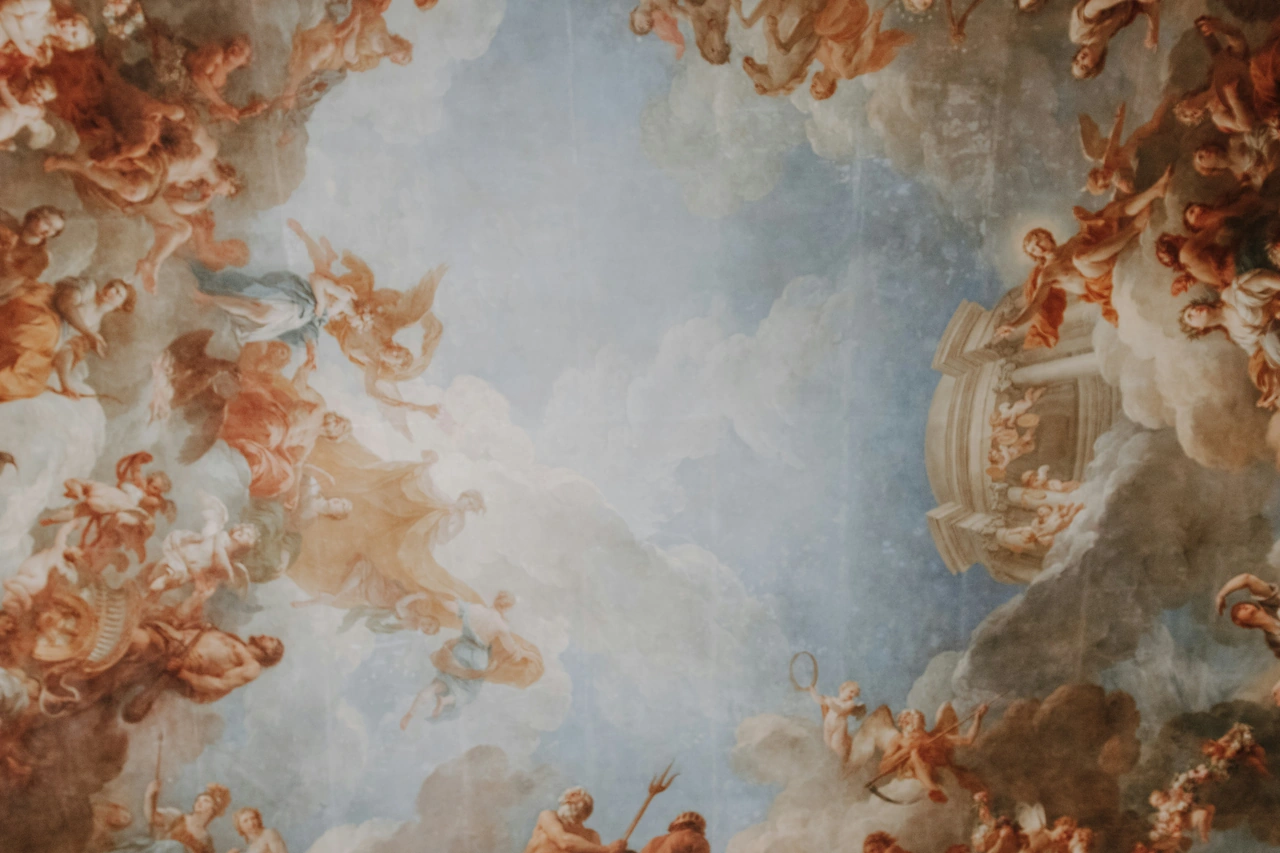
Peach and coral airy blossom palette.
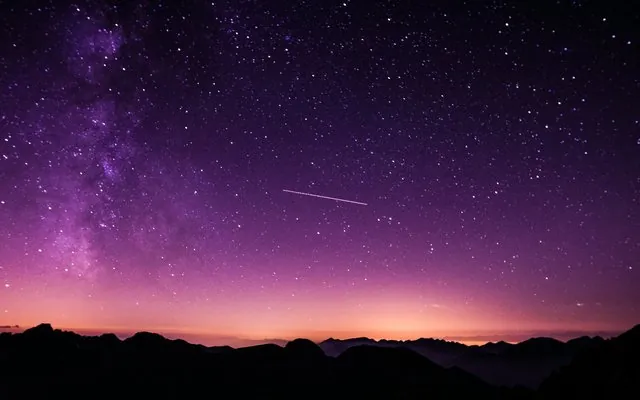
Deep space purple nebula with cosmic accents.
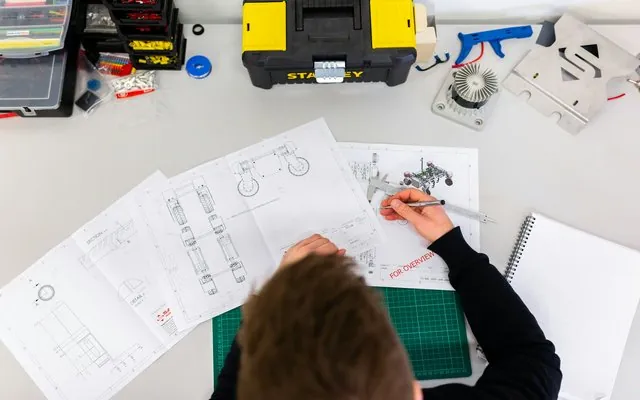
Bronze and copper vintage industrial mood.
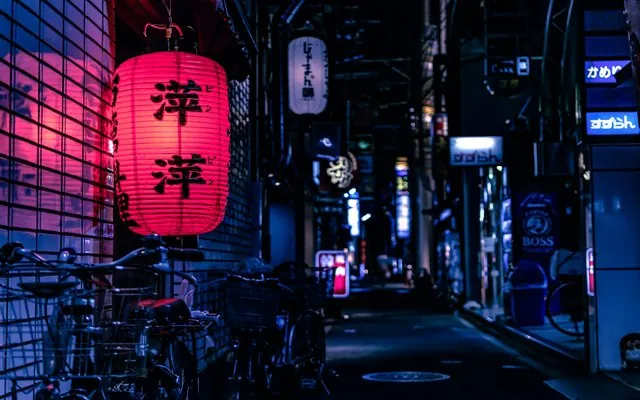
Muted stone and bamboo green calm palette.
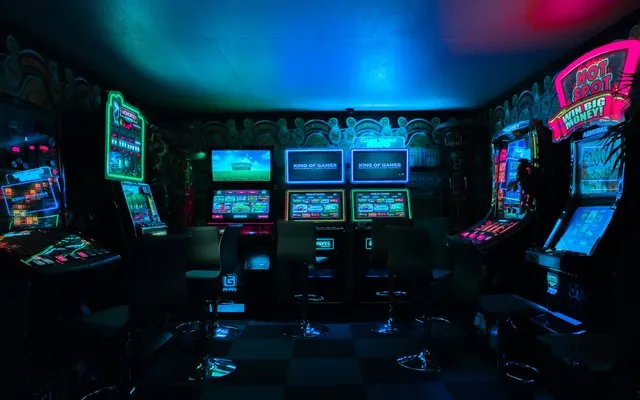
80s arcade neon magenta and cyan on dark.
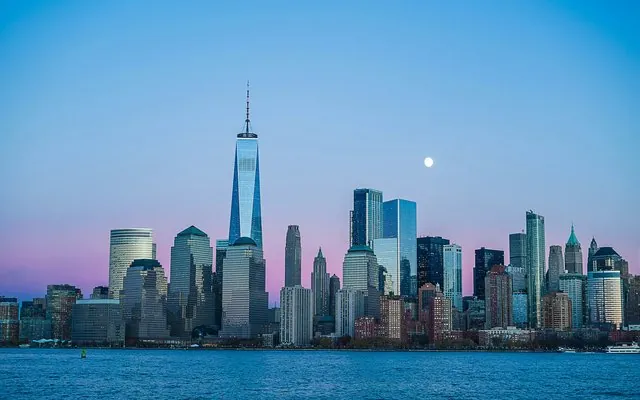
Urban night skyline blue mood lighting.

WebGL animated orange/teal gradient with mouse ripple; procedural CSS fallback on mobile and reduced motion.
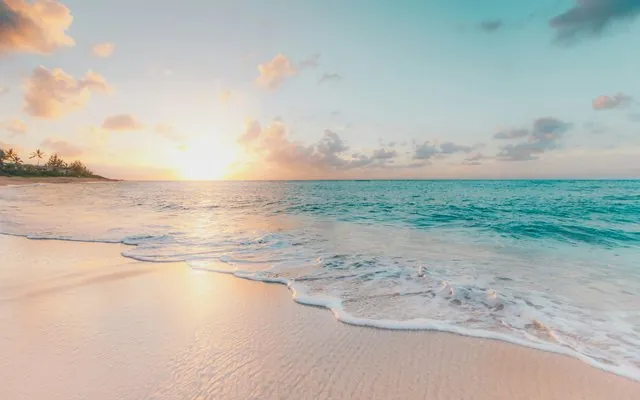
Warm hearth tones with soft terracotta accents — cozy cabin evenings.
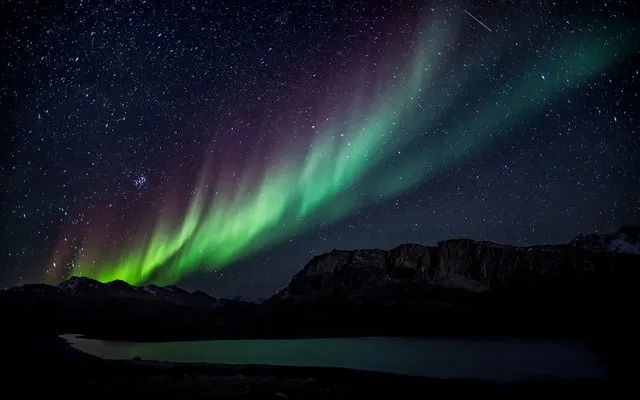
Night-city magenta neon on deep violet glass — synthwave street energy.
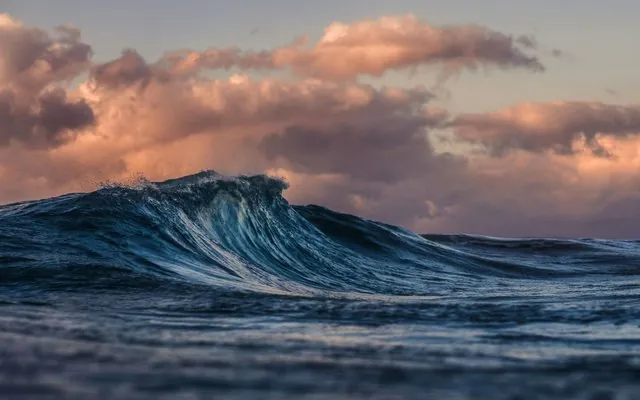
Deep teal undersea glass with kelp-green accents.
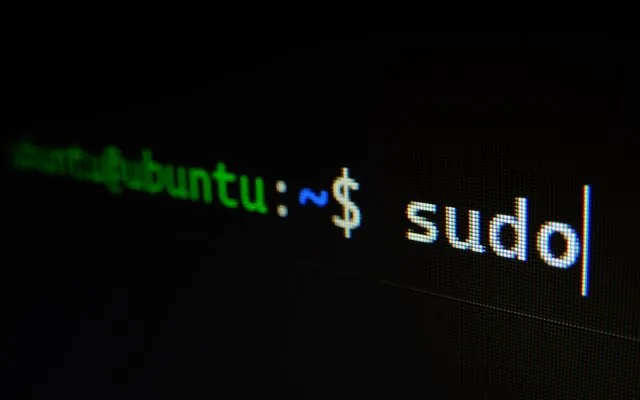
Monospace amber terminal glow on warm charcoal — classic CRT console vibes.

Cool glacial blues and soft mist cards — crisp arctic calm.
Neon cyan glass cockpit with Orbitron display type and soft rear glow.
Soft extruded clay UI — classic light grey and dark charcoal embossed panels.