Guest Mode So Your Family Doesn't Stop the Plex Container
Admin sees power controls. Guest sees links and optional telemetry. Kitchen tablet stays safe.
Put a dashboard on a kitchen wall tablet. Someone will eventually tap the wrong button.
AMUD Dashboard has Admin and Guest roles. Guests get links. Admins get the keys to the kingdom.
What guests can do
- Open app URLs
- See the layout you configured
- Optionally see host CPU/RAM if you enable Guest system telemetry visibility under Settings → Privacy & Access
What guests can't do
- Edit cards or settings
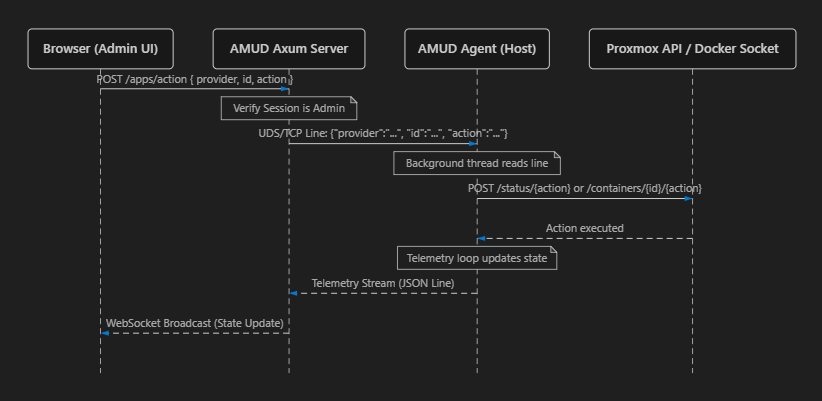
- Start/stop containers
- See container names/VMIDs on sensitive telemetry
- Mess with integrations
Wall tablet setup
- Create a Guest user
- Enable public telemetry if you want the pretty graphs
- Log the tablet into Guest
- Stop worrying
Admins keep full power controls on linked LXCs. Guests just see whether stuff is running without the big red stop button.