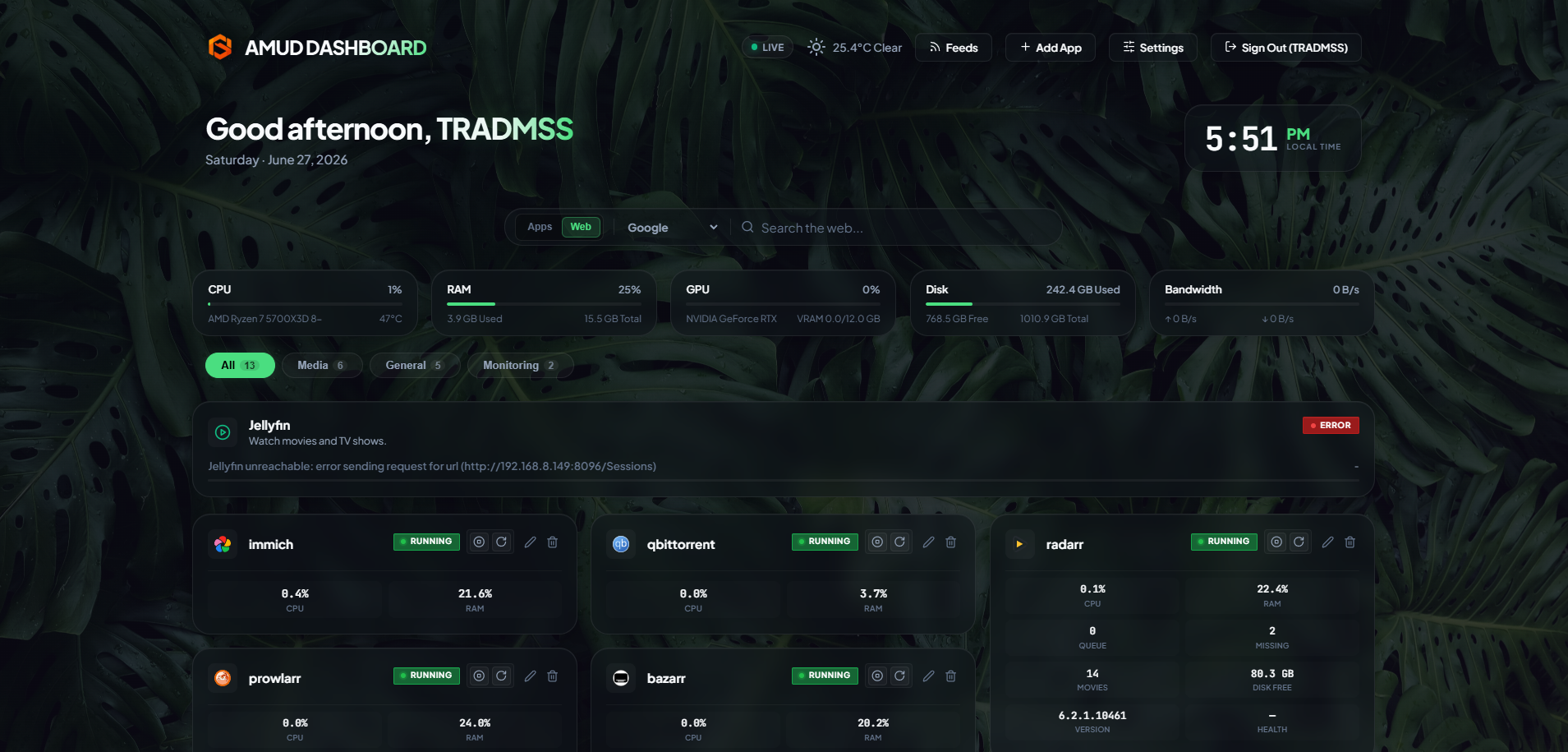
18 New Themes + Visual Theme Gallery
AMUD now ships 38 themes total — including packs added after this post. At publish time it was 37 with a visual Theme Gallery in Settings → Appearance.
AMUD now ships 38 themes total — including packs added after this post. At publish time it was 37 with a visual Theme Gallery in Settings → Appearance.
Visual theme picker
No more dropdown + "Load into editor". The Appearance tab now shows a grid of theme cards with preview images. Click any theme to instantly preview its CSS and matching wallpaper in the live mini-dashboard. Click Save Changes when you're happy.
- AMUD Default resets to the built-in orange glass look and
/static/wallpaper.png - Every other theme loads its bundled CSS and sets a matching wallpaper automatically
- Terminal themes (phosphor, amber, matrix) use CSS-only CRT backgrounds
New theme packs
Nature
Aurora Borealis, Desert Dusk, Rainforest Mist, Volcanic Ember — plus Kelp Abyss (ocean successor as of v1.8.9).
Terminal
Terminal Phosphor, Terminal Matrix, and Amber Console (replaces Terminal Amber as of v1.8.9).
Feminine (5)
Sakura Dream, Lavender Mist, Rose Gold Blush, Cotton Candy, Peach Blossom — soft pastels and blossom tones.
Variety
Nebula Void, Steampunk Brass, Zen Garden, Retro Arcade, Midnight City — plus Glacier Mist (arctic successor as of v1.8.9).
v1.8.9 also replaced Sunset Warm → Ember Hearth and Vaporwave Grid → Neon Boulevard.
Offline-first
All theme CSS, preview thumbnails, and wallpapers ship inside ui/static/themes/ on your server. No GitHub Pages required for daily use — the online Theme Gallery is there when you want to browse from a browser.
Try it
- Update to the latest AMUD build
- Open Settings → Appearance
- Scroll to Theme Gallery
- Click a theme, then Save Changes
Happy theming!