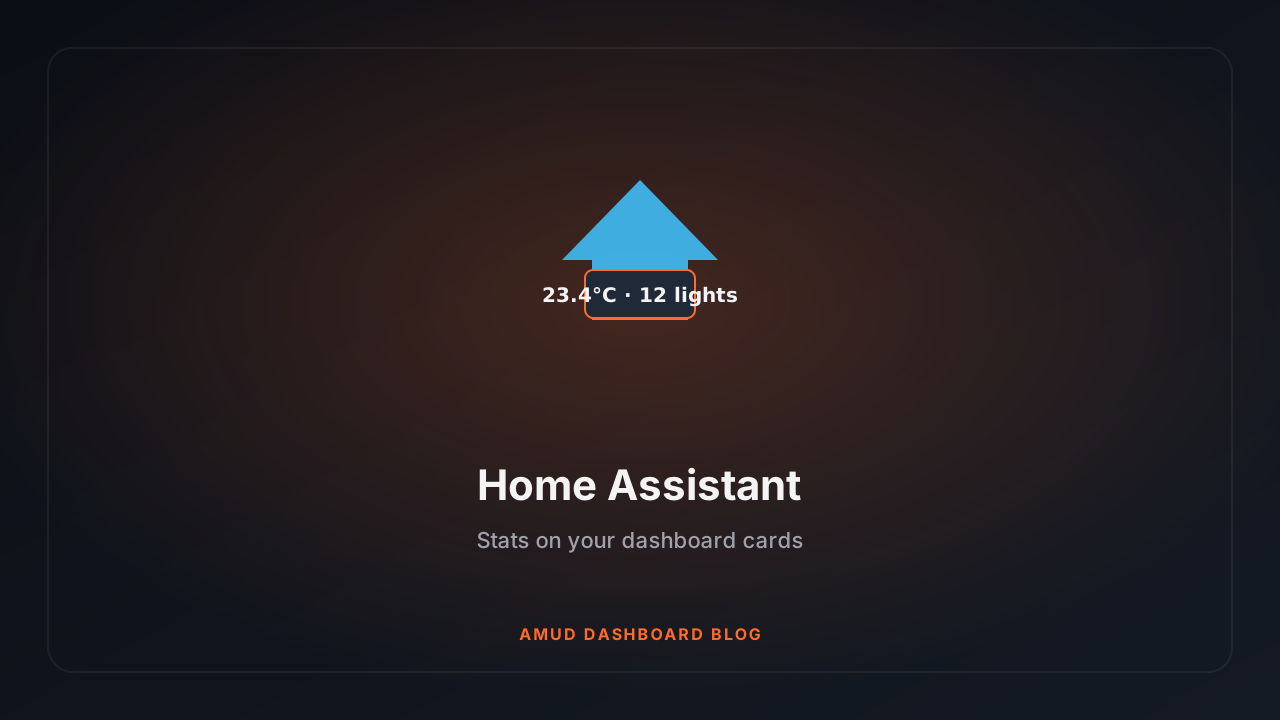
Home Assistant Stats on Your Dashboard (Not Just a Link to :8123)
Name your app card Home Assistant, drop in a long-lived token, get lights/switches/temp on the card.
I had a Home Assistant card that was literally just a URL. Useful, but my wall tablet deserved better.
AMUD Dashboard can show on that card:
- How many lights are on
- How many switches are on
- Average home temperature
The naming / integration rule
Use Add App → Integration = Home Assistant with the HA URL and long-lived token on that app card. The card name can be whatever you like; the integration type is what matters.
Setup
- HA → Profile → Long-Lived Access Tokens → create one
- AMUD → Add App (or Edit) → Integration = Home Assistant → URL + long-lived token → save
How it polls without being rude to HA
Prefers the Template API (POST /api/template) so HA computes counts server-side. Falls back to /api/states if templates aren't available. Heavier, but works.
Runs on the same Tokio runtime as everything else — won't block your CPU graphs.
Pair with LXC status: see the HA container is up and you've got four lights on at 2am. Investigate that later.